

Welcome to IIT Kanpur Webmail
Webmail
Click to use from inside and outside campus
Off-Campus Access
Webmail (On Campus)
Click to use from within campus (earlier called Webmail1)
On-Campus Access
Noticeboard
● Live
Webmail undergoes routine maintenance every Saturday, 6:00 – 6:30 PM IST. Services may be briefly unavailable during this window.
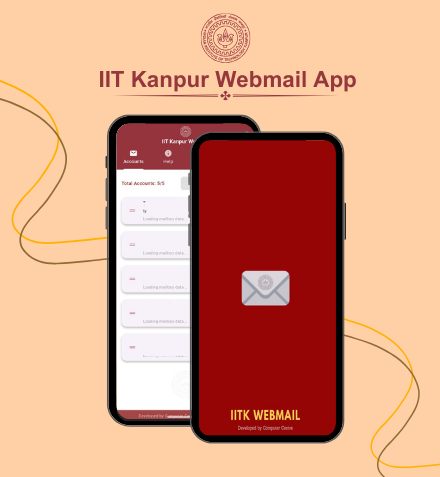
Download Mobile Apps
Android


General Guidelines
Mozilla Thunderbird is the recommended desktop email client. The Computer Centre team can assist with configuration.
Download the IITK Webmail App on Android for the easiest and most convenient way to access your IITK webmail on the go.
Webmail is ideal when you're off-campus or on a shared device without a personal client installed.

Legacy Interfaces
Legacy
Old Webmail
Squirrelmail
On-Campus Access
Old Webmail2
Squirrelmail
On-Campus Access
Legacy — maintained for backward compatibility
Security Tips
Strong passwords: Use a unique, complex password. Never share it with anyone.
Phishing vigilance: Never click suspicious links or open unexpected attachments.
Sign out: Always log out after using webmail on shared or public computers.
Two-factor auth: Enable 2FA wherever available for an extra layer of security.
Hover your mouse over links before clicking to verify the URL - avoid opening suspicious or unexpected links.